You've probably seen the screenshots by now, someone selling a $17 Notion template or a "prompt pack" on Etsy, casually mentioning it made them a few thousand dollars last month. You wonder if it's exaggerated, or worse, if it's something you'd need design skills and a following to pull off. Neither is true, and this guide is going to show you exactly why.
Table of Contents
- 1. What Are AI Digital Products?
- 2. Why Beginners Have a Real Shot at This in 2026
- 3. 7 AI Digital Products Beginners Can Actually Sell
- 4. Tools You Actually Need (It's Less Than You Think)
- 5. Where to Sell Your First Product
- 6. Step-by-Step: Your First Product in a Weekend
- 7. Pricing Your First Product
- 8. AI Digital Products vs Traditional Digital Products
- 9. Mistakes That Kill First-Time Sellers
- 10. Getting Your First Buyers
- 11. Frequently Asked Questions
- 12. Your Next Step
What Are AI Digital Products?
AI digital products are downloadable goods, templates, prompt packs, guides, planners, or design assets, that are created with the help of AI tools like ChatGPT, Claude, or Canva's AI features, then sold repeatedly online without needing to be rebuilt for every customer. You create the product once, and every sale after that is close to pure profit, no inventory, no shipping, no reprinting. What makes 2026 different is that AI has removed the two biggest barriers that used to stop beginners from starting: needing design skills and needing hours of production time.
Why Beginners Have a Real Shot at This in 2026
A few years ago, building a digital product meant either learning design software yourself or paying someone else to do it. That gap used to filter out most beginners before they even started. AI collapsed that gap. You can now describe what you want in plain language and get a usable first draft in minutes, whether that's a set of prompts, a planner layout, or an ebook outline.
This doesn't mean quality doesn't matter, it still does. But it means the starting line moved much closer to where beginners actually stand. You don't need to be a designer, a coder, or an "AI expert." You need a specific problem to solve for a specific type of buyer, and the willingness to actually publish something instead of endlessly tweaking it in private.
7 AI Digital Products Beginners Can Actually Sell
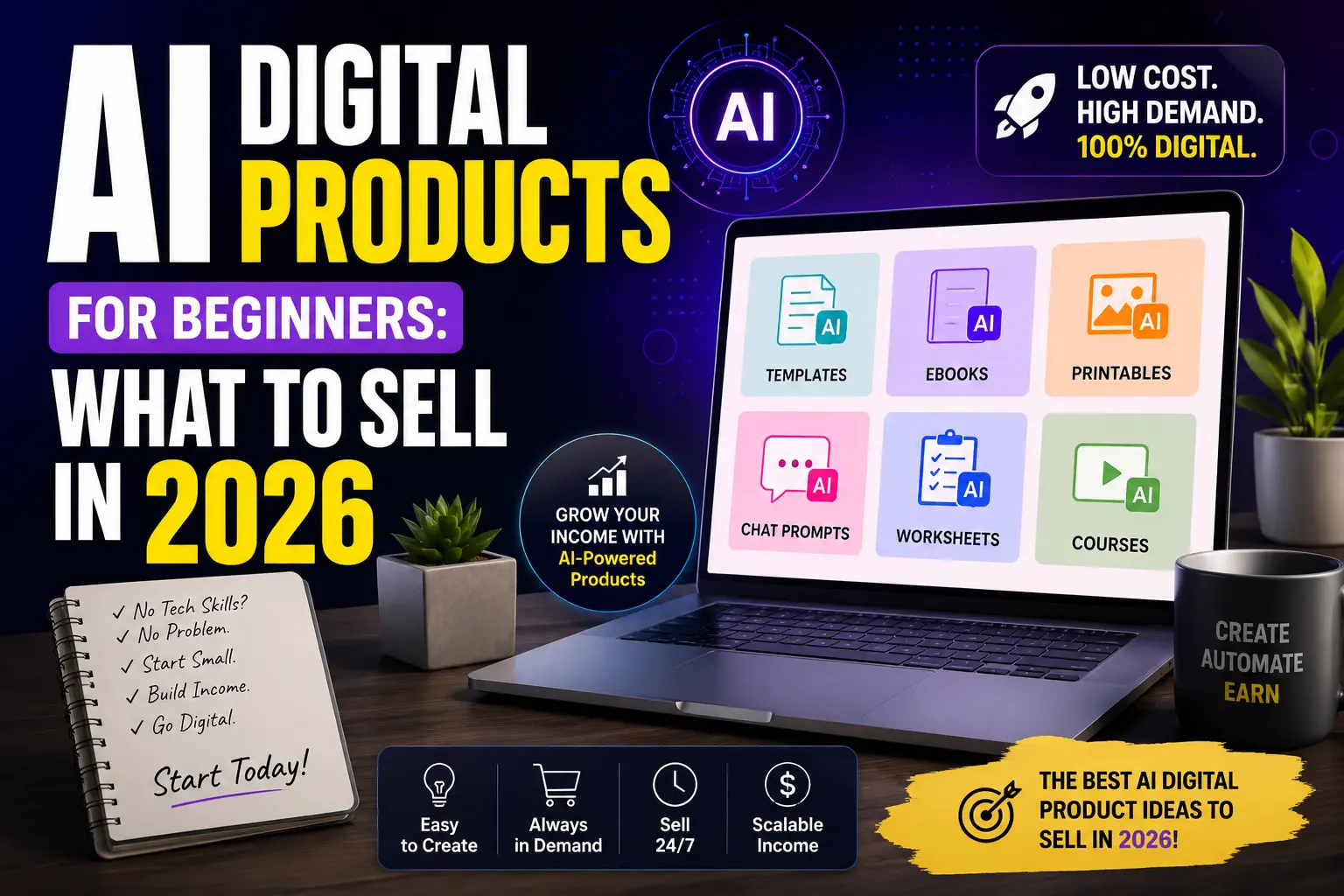
1. AI prompt packs. Curated collections of prompts that help people get better results from ChatGPT or Claude for a specific task, think "prompts for freelance proposal writing" or "prompts for meal planning." These are genuinely one of the easiest entry points because the deliverable is just a well-organized document.
2. Canva template bundles. Instagram carousel templates, quote graphics, or story slide packs built with Canva's AI design tools. Small businesses and content creators buy these constantly because they want to look polished without learning design themselves.
3. AI-assisted ebooks and guides. Short, focused guides on a specific problem (not a 300-page book nobody finishes), drafted with AI help and then edited, refined, and fact-checked in your own voice so it actually reads like it came from a real person.
4. Digital planners and printables. Budget trackers, habit trackers, meal planners, built visually with AI-assisted design tools and sold on Etsy, where this category already has proven, consistent demand.
5. Resume and cover letter packs. AI-optimized resume templates paired with prompt guides for tailoring them to specific job applications, a renewing market since new job seekers appear constantly.
6. "Done-for-you" website starter kits. Using AI website builders to create simple starter templates for niches like local businesses or freelancers, then reselling the setup as a done-for-you package.
7. Notion or productivity system templates. Pre-built Notion dashboards for content creators, freelancers, or small business owners, built faster than ever using AI to structure the logic and layout.
Tools You Actually Need (It's Less Than You Think)
Claude or ChatGPT — for drafting prompt packs, guide content, and product descriptions.
Canva — for any visual product: templates, planners, covers, thumbnails.
Notion — only if you're building productivity system templates specifically.
A free Gumroad or Etsy account — for actually listing and selling your product. That's genuinely the full list to get started, nothing here requires a paid subscription on day one.
Where to Sell Your First Product
Etsy — best for planners, printables, and templates. Buyers there are already searching with purchase intent, which means less work convincing them a digital product is worth paying for.
Gumroad — best for prompt packs, ebooks, and guides. Simple setup, no marketplace competition sitting right next to your listing.
Your own audience — if you already have a blog, social following, or Telegram channel, selling directly to people who already trust you converts far better than cold marketplace traffic. If you're building a Telegram audience specifically, our guide on how to monetize a Telegram channel in 2026 walks through exactly how to turn a channel into a distribution engine for products like these.
Step-by-Step: Your First Product in a Weekend
Step 1: Pick one narrow problem. Not "productivity templates," but "a weekly planner for freelancers juggling multiple clients." Specific sells, generic doesn't.
Step 2: Draft the content with AI. Use ChatGPT or Claude to generate a first draft structure, then edit it so it sounds like you, not like generic AI output nobody trusts.
Step 3: Design it in Canva. Keep it clean, keep it simple. A polished, minimal design beats a cluttered, "trying too hard" one every time.
Step 4: List it with a specific, benefit-driven title. "Freelancer Weekly Planner" tells a buyer nothing. "Weekly Planner for Freelancers Juggling Multiple Clients" tells them exactly why it's for them.
Step 5: Publish it, even if it's not perfect. Your first version doesn't need to be flawless, it needs to exist so real buyers can tell you what to improve.
Pricing Your First Product
Most beginners underprice out of fear nobody will buy. A well-positioned prompt pack or template bundle can realistically sell for $15-49, and a more comprehensive guide or system can go higher. Price based on the specific problem you're solving, not on how long the product took you to make, buyers don't pay for your hours, they pay for their outcome.
A useful way to think about pricing is tiering your offer instead of picking one flat number:
Entry tier ($9-19): A single template, a small prompt pack, or a short guide. Low commitment, easy first purchase for someone unfamiliar with your work.
Core tier ($25-49): A fuller bundle or system, multiple templates, an expanded prompt library, or a guide with worksheets included.
Premium tier ($75+): A complete system with personal customization options, or bundled products sold together at a discount versus buying separately. This tier converts less often, but meaningfully raises your average order value when it does.
AI Digital Products vs Traditional Digital Products
If you've researched digital products before AI tools existed, here's what's genuinely changed, and what hasn't:
Production time: A template or guide that used to take days of manual design and writing can now go from idea to first draft in hours. This is the single biggest shift, and it's why beginners with no prior design background can compete now.
Required skill level: Traditional digital products often required real design or writing expertise to look professional. AI tools handle much of that heavy lifting, your job shifts toward direction, editing, and positioning rather than raw production skill.
What hasn't changed: Buyers still only pay for something that solves a real, specific problem. AI makes production faster, but it doesn't replace the need for a genuinely useful idea, a clear niche, and a product that doesn't feel like generic, mass-produced filler.
In other words, AI removed the production barrier, not the strategy barrier. The beginners who succeed are the ones who still put real thought into who they're building for, not just the ones who generate content fastest.
Mistakes That Kill First-Time Sellers
Trying to serve everyone. A product "for anyone who wants to be productive" converts worse than one built for one specific type of buyer.
Publishing raw, unedited AI output. Buyers can tell, and it quietly damages trust even when the content itself is decent.
Reselling generic PLR content as your own. A lot of "done-for-you AI product packs" being resold online are mass-produced, low-quality, and already saturated. If you're buying resale rights to something, make sure you're genuinely improving or customizing it, not just relisting it as-is.
Waiting for the "perfect" version before publishing. The sellers actually making money right now published something imperfect months ago and improved it with real buyer feedback, not in isolation.
Getting Your First Buyers
Selling a digital product doesn't have to be your only income stream while you build momentum, and it often works best stacked alongside something more immediate. If you need steadier income while your product finds its audience, our guide to legit work-from-home jobs that pay in 2026 covers reliable options that can run in parallel without competing for your time. And if you're weighing this against other online income paths in general, our full complete guide to making money online shows exactly where digital products fit alongside freelancing, content, and everything else.
Frequently Asked Questions
Do I need design skills to create AI digital products?
No. Tools like Canva now include AI-assisted design features that handle most of the visual heavy lifting, you're guiding the process, not building from a blank canvas with technical skill.
How much can beginners realistically earn from AI digital products?
It varies widely, but a well-positioned first product selling consistently at $15-49 can realistically generate a few hundred dollars a month once it gains initial traction, with higher potential as you add more products or build an audience around them.
Is it okay to use AI to create the entire product?
AI is a strong starting point, but products that are edited, refined, and given a real personal voice consistently outperform raw, unedited AI output. Treat AI as your first draft partner, not your final editor.
Which platform is best for a total beginner: Etsy or Gumroad?
Etsy suits visual products like planners and printables since buyers are already searching with intent to purchase. Gumroad suits prompt packs, guides, and ebooks better, since it doesn't place you directly next to marketplace competitors.
How many products do I need before I start seeing real income?
One good product can absolutely generate meaningful income on its own, but most sellers find that having 3-5 related products in the same niche compounds results, since buyers who like one product often browse for more from the same seller.
Your Next Step
Pick one narrow problem you understand well, whether from your own life or work, and build one simple product around it this weekend. Don't wait to have five product ideas polished at once, the sellers earning real money right now started with one imperfect product and let real buyers guide every improvement after that.
Want more real, no-scam strategies like this?
Join the CashFlow Chronicle Telegram Community